

Take payments.
Move money. Fund growth. Card and crypto payments,
treasury and working capital, in one place.
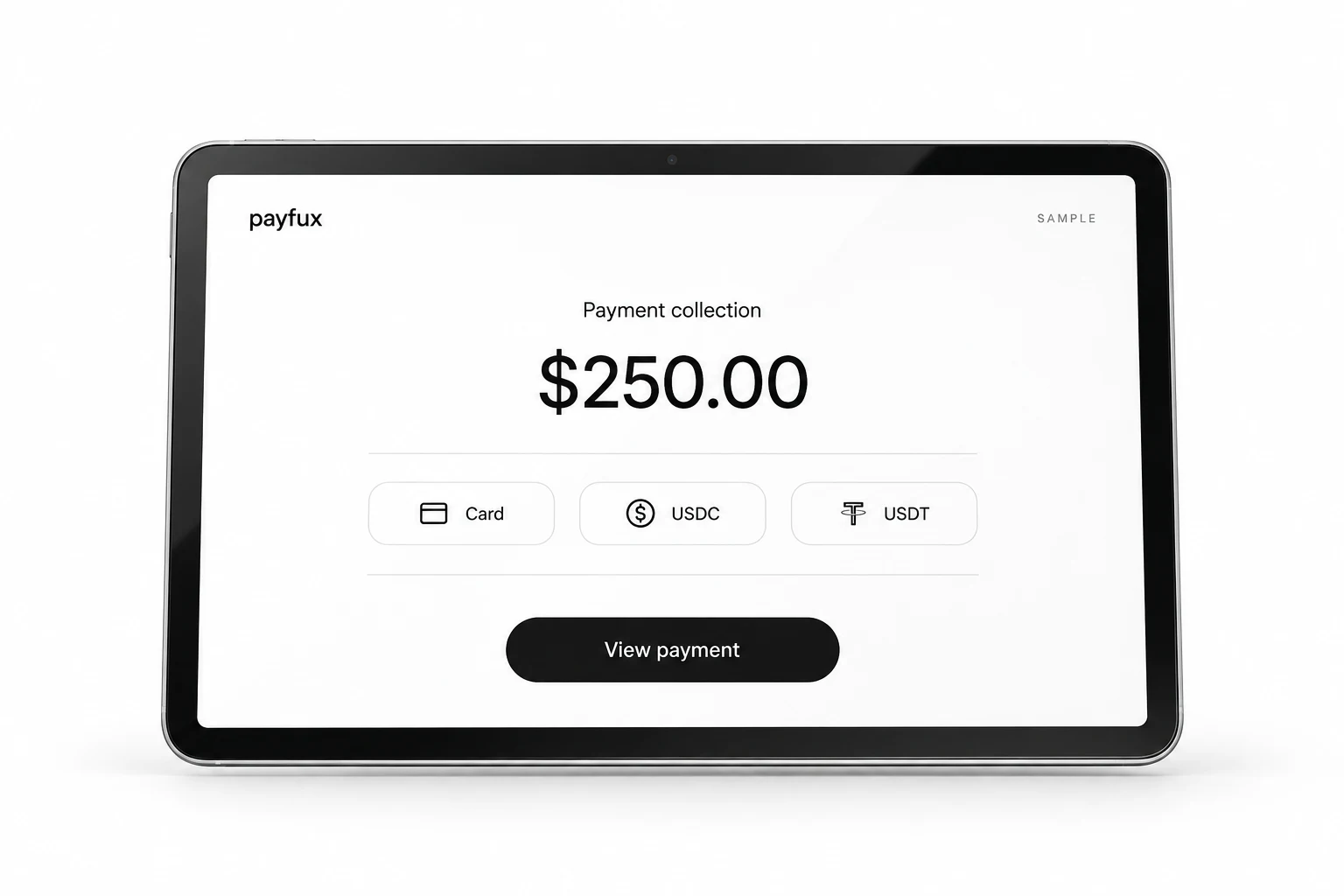

Every payment. One operating thread.
From your first collection to your next move.
Take payments
Card and crypto collection, built around your business.
Payment collection ⇄Move money
Keep the payment, player and reference together.
Payment operations ↗Fund growth
Explore working capital around your operating picture.
BankrollFor business customers. Products, payment methods and availability are confirmed during onboarding.

Payfux Vault
Your treasury.
A new perspective.
Explore how an eligible wallet balance could work in Vault.
See the estimate, the terms and the exit window together.
Eligibility, liquidity, withdrawal timing and risk are confirmed before enrollment.
Move money.
Keep the context.
Review an asset swap. Check a transfer.
Keep every reference connected to your operations.

Illustrative interface and assets. No live quote or transaction.
Supported methods, assets, networks and timing are confirmed during onboarding.
Payfux Bankroll
Room for
your next move.
Working capital starts with your operating picture. Bring your activity, volume and company evidence into one individual review.
Explore Bankroll Requests are non-binding and reviewed individually. An application is not an approval or funding commitment.YOUR BUSINESS. YOUR NEXT CHAPTER.
YOUR PAYMENTS, CONNECTED
Make your next move.
From the first payment to the next payout.
See how every move connects to one operator ledger.
 Payfux workspaceNorthstar · sample operator
Money in.Context intact.
Try a card or crypto collection. The amount and player reference follow it into the same operator ledger.
Payment activity
Sample records- Payment collectionP-20491 · ORDER-7192+246.25 USDCAwaiting sample
- Player depositP-20507 · ORDER-7188+2,400.00 USDCSample recorded
- Asset conversionUSDC → USDT · SWP-10384,996.00 USDTSample recorded
Run a sample to follow the result here. No funds are received, converted or paid out.
Illustrative amounts, assets, fees, conversion rates and review states. Payment methods, address options, conversion availability and payout timing are confirmed during onboarding.
Build around your business.
Explore your setup, then make the integration your own.
A little more clarity.
Onboarding is adapted to the business and risk profile. Requirements vary by product, jurisdiction and transaction profile.
Onboarding is risk-adapted. Requirements vary by product, jurisdiction, transaction profile and risk, and are confirmed during integration review.
The interface sample can illustrate states such as queued and completed; it does not report a live settlement. Actual availability and timing depend on the payment method, network conditions and review status, and are confirmed during onboarding.
Supported assets and networks are confirmed per operator during onboarding. Examples on this site use demo data and are not a supported-asset list.
A player deposit address keeps payment attribution and event history attached to the correct account. Address options are confirmed for each operator during onboarding.
Card-data handling depends on the checkout configuration and payment provider. The applicable integration model is documented during setup.
No. The 12% APY shown here is an illustrative estimate, not an active offer or credited reward. Any Vault return would be variable and not guaranteed; eligibility, rate, liquidity, withdrawal timing and risk are set out before enrollment.
Established companies can submit a non-binding request. Every application is reviewed individually; an application is not an approval or funding commitment.
Handling depends on the payment method, provider and customer configuration. The applicable process is documented during integration review.
Availability varies by jurisdiction and product. Coverage for a specific business is confirmed during onboarding.
Payments. Treasury. Working capital.